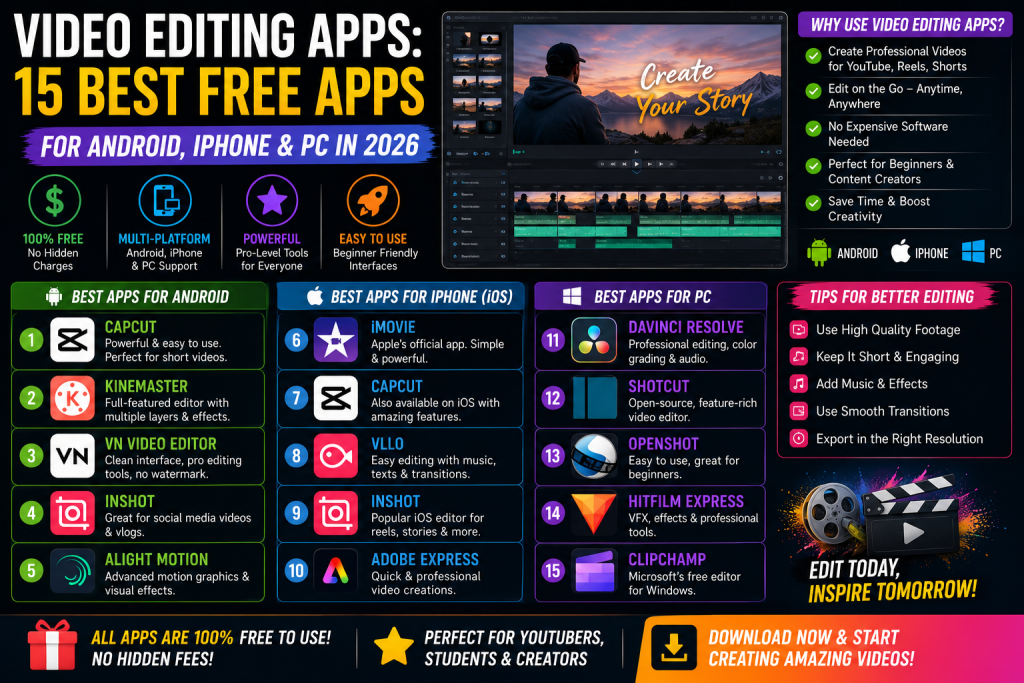
Video Editing Apps: 15 Best Free Apps for Android, iPhone & PC in 2026
Everyone with a phone is a video creator now. Reels, Shorts, vlogs, wedding clips, all of it needs editing. The good part is you do not need a laptop or expensive software anymore. The right video editing app on your phone can do almost everything a pro editor does.
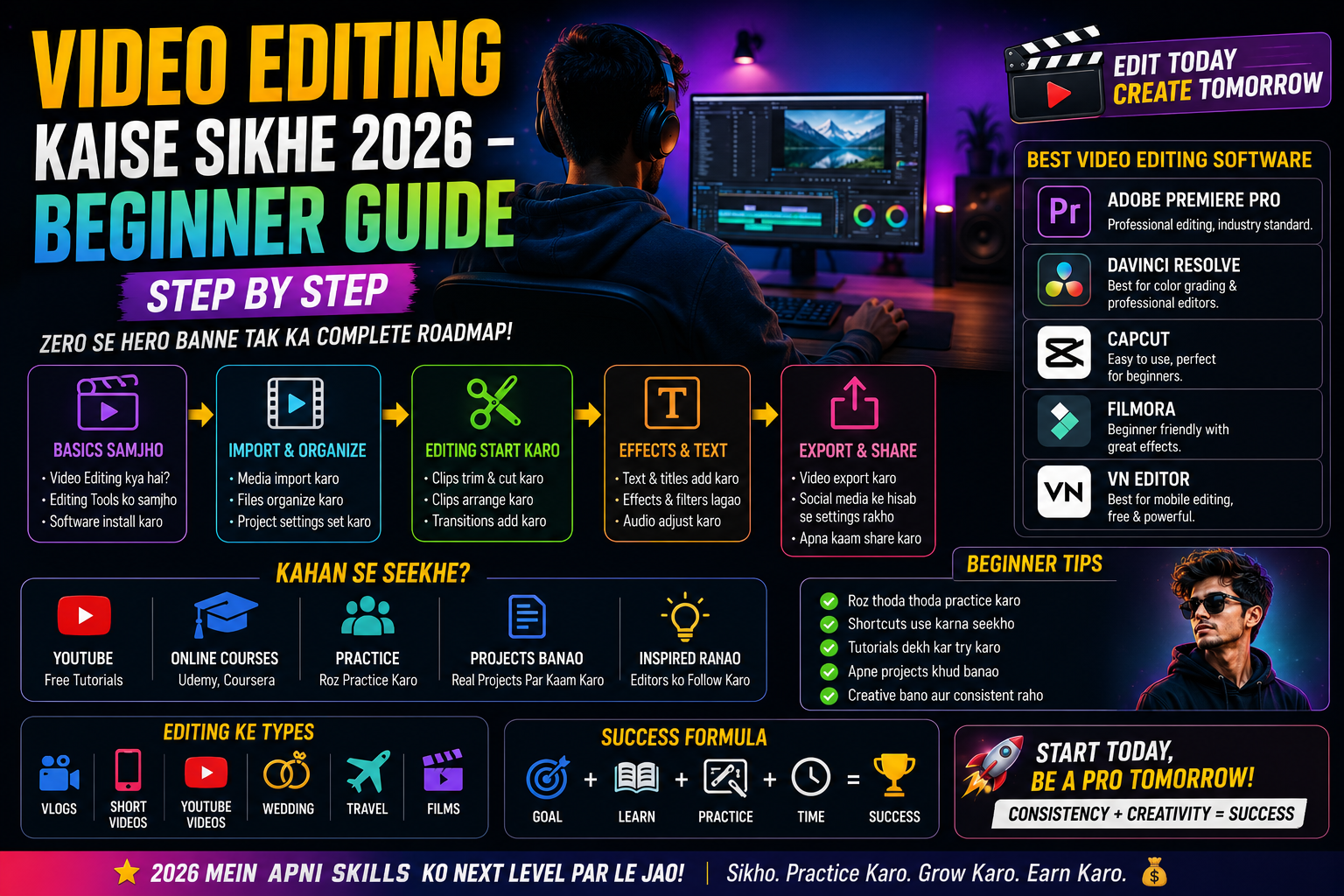
The best video editing apps in 2026 are CapCut, VN Video Editor, InShot, KineMaster, Alight Motion, Adobe Premiere Rush, iMovie, PowerDirector, FilmoraGo, and Quik. These apps work on Android and iPhone, offer free plans with strong features, and let you edit videos directly from your phone in minutes.
This guide lists the 15 best video editing apps, what each one does well, and which one fits your style. By the end, you will know exactly which app to download for your next video.
What Are Video Editing Apps?
Video editing apps are tools you install on your phone, tablet, or computer to cut, trim, and edit videos. They let you add music, text, effects, transitions, and filters without using big software like Adobe Premiere or Final Cut Pro. Most apps are free with optional paid upgrades.
These apps work for everything from quick Reels to full YouTube videos. You import a clip, drag it onto a timeline, and start editing. Most apps now include AI features like auto-cut, auto-subtitles, and background removal too.
How to Choose the Best Video Editing App
Match the App to Your Content Style
For short Reels, CapCut and InShot are the easiest. For longer YouTube videos, KineMaster and PowerDirector give more control. For artistic edits, Alight Motion is the top choice. For wedding and cinematic clips, VN Video Editor is the favorite of pro creators.
Check Free vs Paid Limits
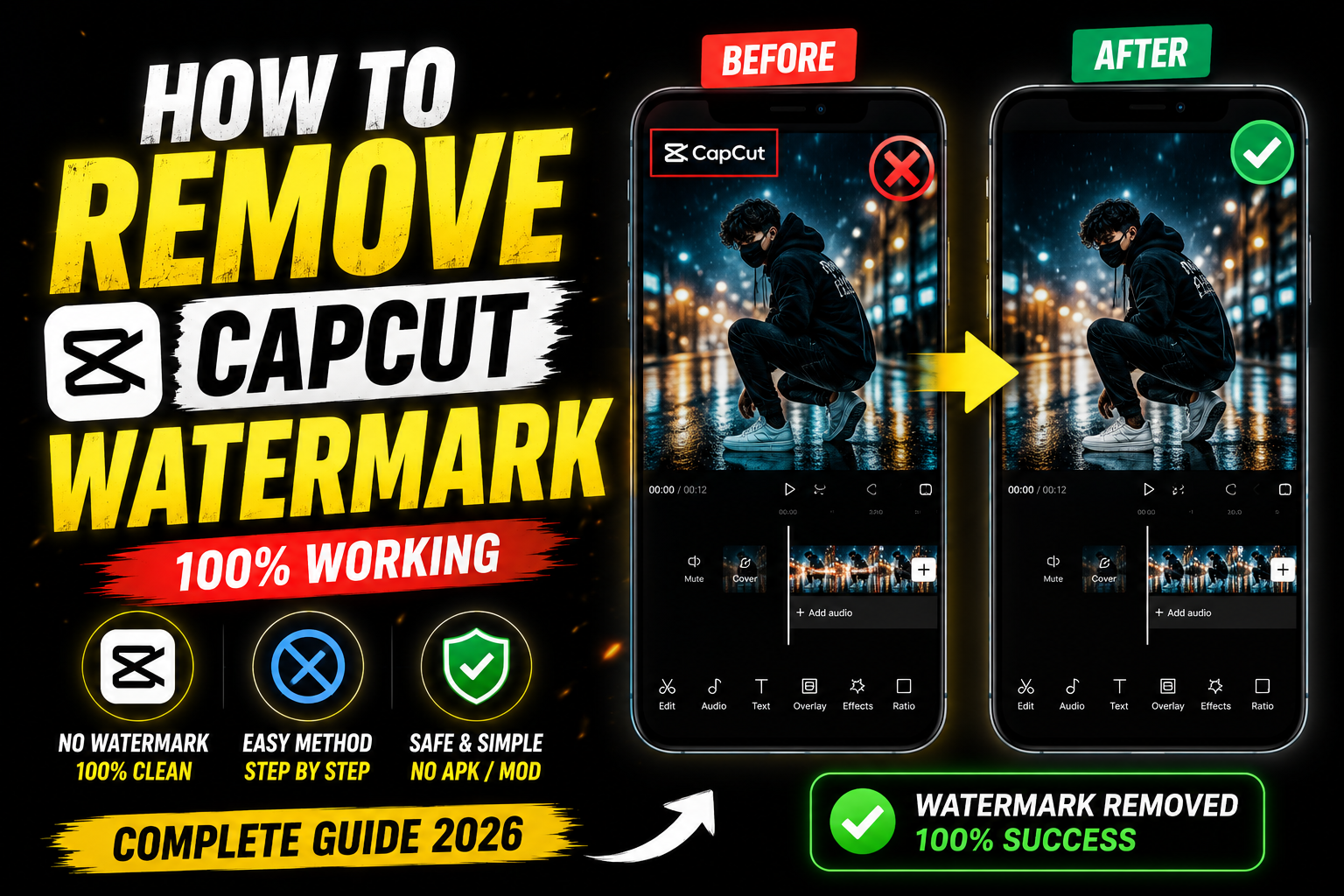
CapCut is fully free with no watermark. InShot adds a watermark on free exports. KineMaster now offers a free no-watermark tier. Always check what the free plan includes before you commit.
15 Best Video Editing Apps in 2026
1. CapCut
CapCut is the most popular free video editing app in the world in 2026. It offers free templates, AI auto-cut, background removal, smooth transitions, and text-to-speech. Best for Reels, TikToks, and quick short videos.
2. VN Video Editor
VN is the favorite of creators in the wedding and cinematic niche. It offers a full timeline editor with keyframes, color grading, and multi-layer support, all free with no watermark. The interface looks like a mini Premiere Pro.
3. InShot
InShot is the easiest video editor for total beginners. You can trim, crop, add music, text, and stickers in seconds. It also has built-in aspect ratios for Instagram, TikTok, and YouTube.
4. KineMaster
KineMaster is a long-time favorite for both beginners and pros. It offers multi-layer editing, chroma key, voice overs, and animated stickers. Works great for vlogs and tutorial videos.
5. Alight Motion
Alight Motion is the top app for motion graphics and visual effects on mobile. It supports keyframe animation, vector graphics, and color correction. Creators use it for anime edits, lyric videos, and aesthetic Reels.
6. Adobe Premiere Rush
Adobe Premiere Rush is the mobile version of Premiere Pro. It offers clean editing tools, color presets, and easy export to social media. Best for Adobe users who want consistency across phone and desktop.
7. iMovie
iMovie is Apple’s free video editor for iPhone, iPad, and Mac. It is simple, smooth, and gives clean results. Best for iPhone users who want a basic, reliable editor.
8. PowerDirector
PowerDirector is one of the strongest Android editors with full desktop-style features. It supports multi-track editing, AI body effects, motion tracking, and 4K export. Best for pro features on Android.
9. FilmoraGo
FilmoraGo is the mobile version of Wondershare Filmora. It has a clean, fun interface with tons of effects, templates, and music. Best for casual creators who want fun edits.
10. Quik by GoPro
Quik is GoPro’s free editor and works great for action shots and travel videos. Import your clips, and Quik builds a video automatically with music and transitions. Best for vacation videos and quick highlights.
11. LumaFusion
LumaFusion is a paid app and the top choice for serious mobile editors. It has multi-track editing, advanced color tools, and pro audio mixing. Best for filmmakers who edit fully on mobile.
12. Splice
Splice offers fast video editing with music sync, transitions, and trimming tools. Best for users who want fast results with minimal effort.
13. ActionDirector
ActionDirector is built for fast action videos and sports clips. It supports slow motion, fast motion, and easy trimming. Best for sports creators.
14. YouCut
YouCut is a lightweight Android app with no watermark even on the free plan. It offers basic trimming, music, and text features. Best for quick edits on older phones.
15. Magisto
Magisto uses AI to turn your clips into finished videos automatically. Upload footage, pick a style, and Magisto creates the final video. Best for small business promo videos.
Best Video Editing Apps for Android
The top Android picks are CapCut, VN Video Editor, KineMaster, PowerDirector, and YouCut. CapCut is the most popular. VN is the best free pick for cinematic edits. KineMaster and PowerDirector give pro-level features. YouCut is the lightest option for older phones.
Best Video Editing Apps for iPhone
The top iPhone apps are CapCut, VN Video Editor, InShot, LumaFusion, and iMovie. LumaFusion is the most powerful for iPad. iMovie is the easiest free option. CapCut and InShot are favorites for Reels and TikTok.
Best Free Video Editing Apps Without Watermark
The best no-watermark free apps are CapCut, VN Video Editor, YouCut, and KineMaster’s free tier. All four export full-length videos without branding. CapCut and VN also export in 4K for free. If you also edit photos, pair these with the tools in our best AI photo editor free online guide.
Frequently Asked Questions
Which is the best video editing app for beginners?
CapCut and InShot are the easiest video editing apps for beginners. Both are free, simple, and offer tons of templates.
Which video editing app has no watermark?
CapCut, VN Video Editor, and YouCut all export videos without a watermark on the free plan.
Is CapCut still free in 2026?
Yes. CapCut is still free with most features, including 4K export and no watermark. Some advanced effects need CapCut Pro.
Which video editing app is best for YouTube?
KineMaster, VN Video Editor, and Adobe Premiere Rush are the top picks for YouTube videos. All three handle long-form content well.
Can I edit videos for free on my phone?
Yes. CapCut, VN, InShot, and YouCut all offer free video editing on Android and iPhone with no software purchase needed.
Final Thoughts
Video editing apps in 2026 are better, faster, and cheaper than ever. Pick one based on your style. CapCut for Reels, VN for cinematic edits, KineMaster for YouTube, and LumaFusion for serious filmmakers. Download the app, watch one or two tutorials, and you will be editing like a pro within a week.