AI CB Editing PNG: Best Free PNGs and AI Tools for CB Edits in 2026
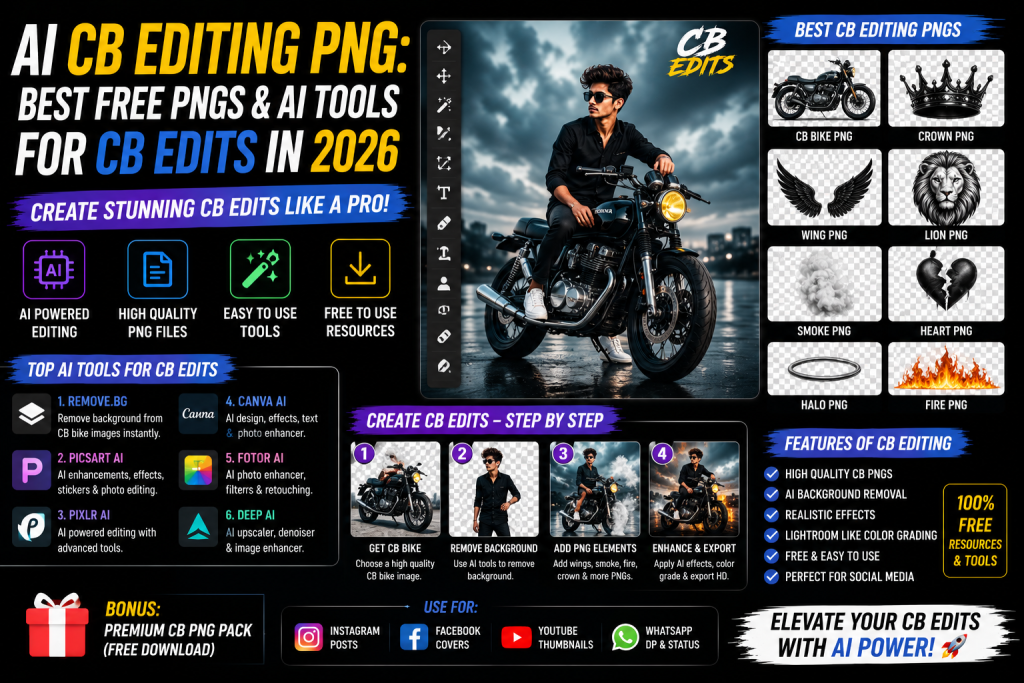
Open Instagram and scroll for a minute. You will spot at least one CB edit somewhere. Dramatic sunset backgrounds, smoke effects, flying hair, glowing light rays, that whole cinematic vibe. The crazy part is that most of these edits start with one thing: free PNG files layered with AI tools.
AI CB editing PNG means using free transparent PNG files (backgrounds, hair, smoke, light effects, lens flares) combined with AI photo editing tools like PicsArt AI, Photoshop AI, Canva AI, or ChatGPT to create dramatic CB-style photo edits. You download the PNGs, upload your photo, layer them on top, and use AI to blend everything into a finished cinematic edit.
This guide gives you the best free CB editing PNG packs, the top AI tools to use them with, and step-by-step tutorials to make your own viral CB edits. By the end, you will know how to turn any normal selfie into a dramatic cinematic photo in under five minutes.
What Is AI CB Editing PNG?
AI CB editing PNG is a photo editing style that uses transparent PNG files plus AI tools to create dramatic, cinematic edits. The style mixes a real portrait with layered PNG elements like sunset skies, smoke clouds, light rays, flying hair, and shadow effects. AI tools then blend everything together to make it look like one realistic photo.
What Makes a CB Edit Different
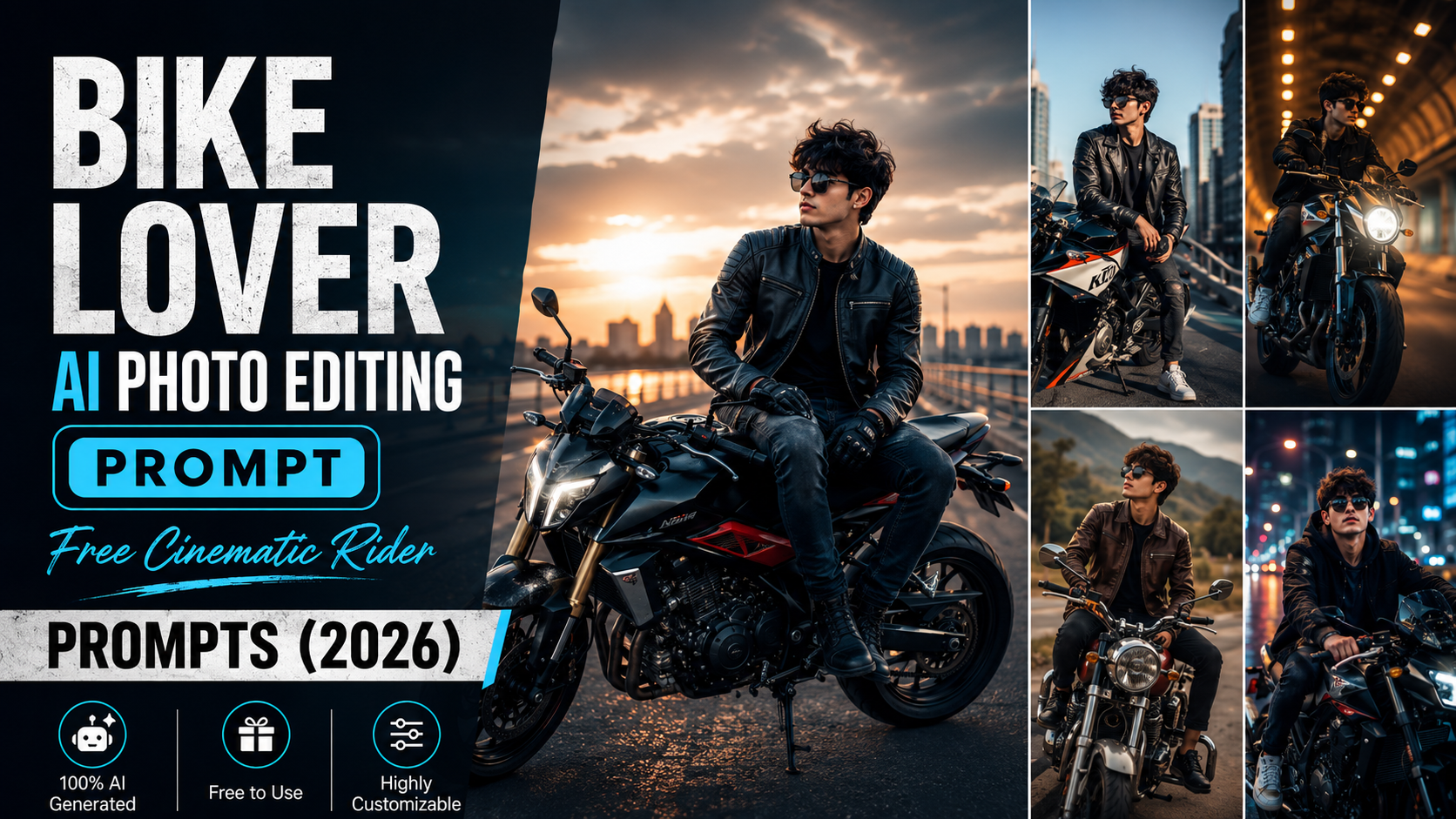
A normal photo edit just fixes colors, brightness, or backgrounds. A CB edit goes much further. It adds drama, mood, and cinematic effects that make the subject look like a film hero. Common CB edit elements include moody sunset backgrounds, smoke around the subject, flying hair effects, light flares, fog, and dramatic shadows.
Why AI Is Replacing Manual CB Editing
Traditional CB editing in PicsArt or Photoshop takes 30 minutes to an hour per photo. With AI tools in 2026, the same edit takes under five minutes. AI handles the hard parts automatically. Background removal happens in one click. Color matching between the PNG and your photo is done by AI. Even shadow blending and lighting correction is automatic.
Best AI Tools for CB Editing With PNG Files
PicsArt AI
PicsArt is the king of CB editing. It has AI background removal, AI photo blending, free PNG support, and tons of CB-style filters. The mobile app is what most creators use daily. Free users get most tools, with PicsArt Gold for advanced features.
Photoshop AI (Generative Fill)
Adobe Photoshop now has AI Generative Fill, the most powerful tool for serious CB editors. You can remove backgrounds, blend PNGs, add new elements, and fix lighting with text prompts. Worth it for creators who edit daily.
Canva AI
Canva AI is the easiest tool for beginners doing CB-style edits. It has free background removal, a huge library of PNGs and elements, and one-click filters. For more free photo tools, see our guide on the best AI photo editor free online.
ChatGPT With Image Editing
ChatGPT’s image editing feature lets you upload your photo and use text prompts to add CB-style effects. You can ask it to add smoke, sunset lighting, or dramatic shadows. The results keep improving with each update.
Best Free CB Editing PNG Packs to Download
CB Background PNGs
These are the foundation of any CB edit. Common types include sunset skies, dark cloudy backgrounds, mountain views at golden hour, foggy forests, and neon-lit cities. Download a pack of 50 to 100 backgrounds for every mood.
CB Hair PNG Files
Flying hair PNGs make any portrait look more dramatic. Common styles include long flowing hair, side-swept hair, and wind-blown waves. Match the hair color and direction to your photo for the best results.
Smoke, Light, and Shadow PNGs
Smoke effects are the classic CB element. Light flares, sun rays, and glowing streaks add cinematic mood. Realistic shadow PNGs help your subject blend into the new background. Without shadows, the edit looks fake and floating.
How to Make AI CB Edits With PNG Files
Start with a clear, high-quality photo. Remove the background with PicsArt AI or Canva AI. Add a CB background PNG that matches your mood. Layer hair, smoke, and light PNGs. Match colors with an AI filter. Drop a subtle shadow under the feet. Then export in HD at 1080×1350 for Instagram or 1080×1920 for Reels.
AI Prompts to Make CB Edits in ChatGPT
You can now make full CB edits using ChatGPT with text prompts. Here are tested prompts to try.
Cinematic CB Portrait Prompt
Edit my uploaded photo into a cinematic CB-style portrait. Add a dramatic sunset sky background with orange and purple tones, soft smoke around the subject, flying hair effect, and warm golden light from the side. Keep the original face 100% match. Apply rich color grading and shadow blending. Output in HD, 4:5 aspect ratio.Sad Boy CB Edit Prompt
Edit my uploaded photo into a sad boy CB-style edit. Add a dark cloudy background, light rain effect, blue moody lighting, and soft fog around the subject. Apply a slight black-and-white tone with selective color on the face. Keep the face 100% match. Output in HD, 4:5 ratio.Cricket CB Edit Prompt
Convert my uploaded photo into a cricket-themed CB edit. Add a stadium background with floodlights, cricket bat in hand, light flares from above, and smoke around the body. Apply cinematic color grading with dramatic shadows. Keep the face 100% match. Output in HD, 4:5 ratio.Where to Download Free CB Editing PNG Files
Telegram channels are the biggest source for free CB editing PNGs. Many YouTube editors share PNG links in video descriptions. Websites like PNG Tree, Free PNG, and CleanPNG offer thousands of free transparent PNGs. Pinterest is a goldmine for CB editing inspiration. PicsArt and Canva also have built-in PNG libraries you can use without downloading.
Tips for Better AI CB Edits
Always start with a clear, well-lit photo. Do not overload the photo, pick 3 to 5 elements maximum. Match colors and lighting between the background and subject. When using AI tools, always add “keep the face 100% match” to your prompt. Practice with free YouTube tutorials, then build your own style.
Frequently Asked Questions
What is AI CB editing PNG?
AI CB editing PNG is a style of photo editing that uses transparent PNG files plus AI tools to create dramatic, cinematic edits. Common elements include backgrounds, hair, smoke, and light effect PNGs layered with AI blending.
Where can I download CB editing PNGs for free?
Telegram channels, YouTube tutorial descriptions, PNG Tree, Free PNG, and Pinterest are the best free sources for CB editing PNGs in 2026.
Which app is best for AI CB editing?
PicsArt AI is the most popular app for CB editing. Photoshop AI is best for pros. Canva AI works for beginners.
Can I make CB edits in ChatGPT?
Yes. ChatGPT can apply CB-style effects with text prompts. Add background, smoke, light effects, and color grading instructions to your prompt.
How long does an AI CB edit take?
With AI tools, a full CB edit takes 5 to 10 minutes. Manual CB editing without AI used to take 30 to 60 minutes.
Final Thoughts
AI CB editing PNG is the fastest way to make dramatic cinematic photos without learning complex software. Download a few PNG packs, pick an AI tool like PicsArt or Photoshop AI, and start practicing. Within a week of daily practice, your edits will look professional. Start with one tutorial today and post your first CB edit by tonight.