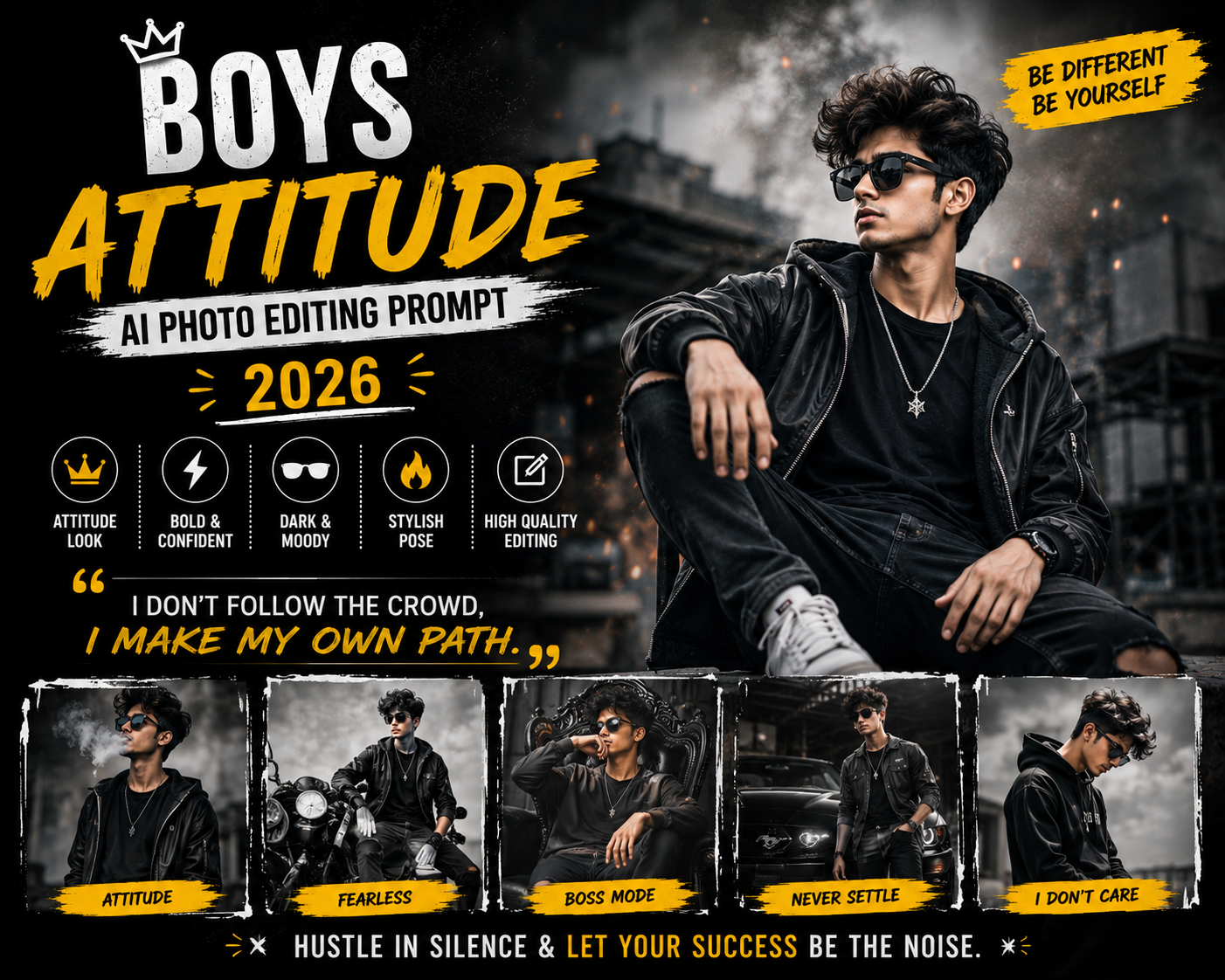
Gym Body AI Photo Editing Prompt 2026 (Gemini Copy Paste)

Gym content is one of the most motivating niches on social media, and a strong gym AI photo editing prompt turns an ordinary workout selfie into a powerful, cinematic fitness portrait. With one copy paste prompt you can add dramatic lighting, sharp muscle definition, and a premium studio mood while keeping your face completely natural. This guide gives you the prompts and the styling tips that make gym edits look professional.
Why Gym Edits Work So Well
Fitness content thrives on transformation and intensity. A dramatic gym portrait communicates discipline and confidence in a single frame, which is exactly what motivates and inspires viewers. The right lighting emphasises muscle tone and creates a strong, aspirational mood. AI lets you achieve this studio quality look without an expensive photographer or perfect gym lighting.
The Gym AI Photo Editing Prompt
Copy the prompt below, open Gemini or ChatGPT, attach your gym photo, and send.
Gym Portrait Prompt
Edit this photo into a powerful cinematic gym portrait. Keep the same face, body and pose. Add dramatic side lighting with a soft rim light, deep contrast that defines muscle tone, a dark moody gym background with subtle haze, realistic skin and sweat detail, and a premium fitness magazine finish. Ultra sharp 4K.
For softer portrait styles, browse the AI photo editing prompts hub.
Outdoor Athlete Variation
This version suits running, calisthenics, and outdoor training content.
Outdoor Athlete Prompt
Edit this photo into a cinematic outdoor athlete portrait. Keep the same face and body. Add early morning golden light, a blurred outdoor training background, dynamic energy, realistic skin and sweat, and a strong motivational mood. High resolution, sharp detail.
How to Use the Gym Prompt
- Open Google Gemini or ChatGPT image mode.
- Upload a clear gym or training photo.
- Copy a prompt above and paste it with your photo.
- Send and review the lighting and muscle definition.
- Refine with a line such as add stronger rim light or make the background darker.
Lighting Tips for Powerful Gym Portraits
Lighting is what makes a fitness edit hit. Side lighting and a rim light carve out muscle definition far better than flat front light, which is why the prompts ask for them. A dark background pushes the subject forward and adds drama. Keep skin realistic with natural sweat detail, because over smoothed skin looks fake and weakens the powerful mood. For more on lighting, see my cinematic prompt guide.
Turn It Into a Motivation Reel
Gym portraits become powerful reels with the right pace and music. Pair your images with a hard hitting phonk CapCut template or an energetic velocity CapCut template, then deepen the mood with a moody dark Lightroom preset. The complete workflow is in my reel editing guide.
Mistakes to Avoid
Do not over smooth the skin, since fitness edits need realistic texture to look strong. Do not brighten the whole image, because flat light kills muscle definition. And always keep the face and body locked so the edit clearly looks like you.
Building a Fitness Brand With Consistent Edits
Fitness pages grow fastest when their visuals are consistent. When every gym portrait shares the same dramatic lighting and dark, powerful grade, your feed looks like a professional brand rather than random selfies. This consistency builds trust and makes new visitors more likely to follow, because they instantly understand your niche and style. Use the same prompt structure for each post, then apply a matching moody dark Lightroom preset so the colour stays uniform. Over time, that recognisable look becomes part of your identity, and people begin to associate the powerful cinematic style with your page specifically.
Best Poses for Gym Portraits
The pose shapes the entire edit. Side angles and three quarter turns show muscle definition far better than a flat front facing shot. A slight lean toward the camera adds presence, while a focused expression communicates discipline. Capture the pose in good light first, because the AI enhances what is already there rather than inventing a new body. Hold the position steady so the source photo is sharp. With a strong pose and the prompts on this page, your gym portrait will look powerful and motivating. For pacing your reel, see my reel editing guide.
Posting Gym Edits That Inspire
Gym content performs best when it motivates. Pair your portrait with a short, powerful caption about discipline or progress, and post when your audience is winding down in the evening or planning their day in the morning. Use a strong cover frame that shows the most dramatic lighting. Stay consistent with your style and posting rhythm, because fitness audiences follow creators they can rely on for regular motivation. A steady stream of powerful, consistent edits is what turns a fitness page into a community.
Frequently Asked Questions (FAQ)
What is a gym AI photo editing prompt?
It is an instruction that tells an AI tool to turn a workout photo into a cinematic fitness portrait with dramatic lighting and muscle definition while keeping your face natural.
Is the gym prompt free?
Yes. Copy any prompt here for free and use it in Gemini or ChatGPT, which may limit daily free generations.
How do I get strong muscle definition?
Ask for side lighting and a rim light with deep contrast. Avoid flat front lighting, which hides muscle tone.
What music suits gym reels?
Phonk and high energy tracks work best for gym motivation reels. Sync your hardest cut to the beat drop.
Quick Recap for Powerful Gym Edits
For the strongest gym portrait, use a side angle pose, ask for rim lighting and deep contrast, keep skin realistic, and lock the face and body. Finish with a dark grade and a hard hitting track. Stay consistent across posts so your fitness page looks like a professional brand, and pair the images with the templates and presets across Editing By Vikas.
Final Thoughts
A gym AI photo editing prompt gives you a powerful, studio quality fitness portrait in one tap. Save this page, try both variations, and explore the wider AI photo editing prompts library. Fresh prompts are added every week at Editing By Vikas.