Phonk CapCut Template 2026 (Free Link and Full Tutorial)
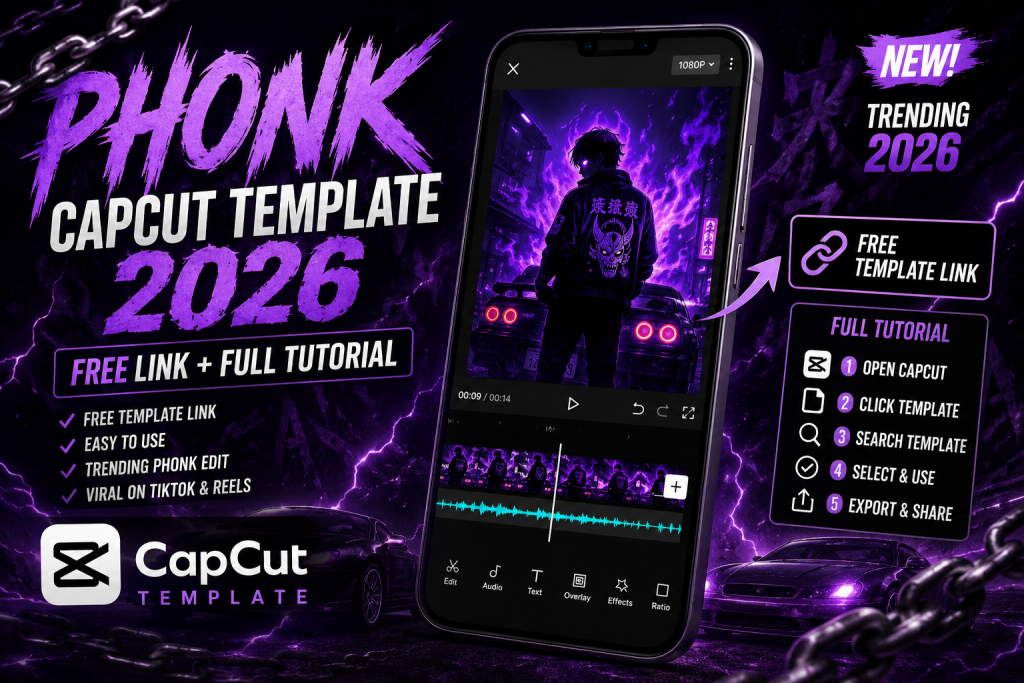
The phonk CapCut template is the secret behind those dark, bass heavy edits with hard transitions and an attitude filled mood. Phonk music has taken over Reels and TikTok, and the matching template lets you sync your clips to the beat in seconds. This guide gives you the working template approach, a full tutorial, and the tricks that make phonk edits hit hard.
What Is a Phonk Edit?
Phonk is a music genre built on heavy bass, cowbell rhythms, and a raw, aggressive feel. A phonk edit matches that energy with fast cuts, dark colour grading, glitch effects, and transitions that land exactly on the beat drop. The style suits attitude content, car and bike edits, gym clips, and gaming montages. The phonk CapCut template bakes the timing and effects in, so you only add your footage.
How to Use the Phonk CapCut Template
- Install or update the CapCut app to the latest version.
- Open the phonk template inside CapCut.
- Tap Use Template and add your clips or photos.
- Trim each clip so the hardest action lands on the beat drop.
- Export at 1080p without the watermark and post to Reels or TikTok.
For more template styles, see my full CapCut template links collection.
Best Footage for Phonk Edits
Phonk thrives on bold, high contrast motion. Car reveals, bike rides, gym lifts, outfit transitions, and confident walking shots all work brilliantly. Shoot in good light so the dark grade still keeps detail. Film at 60fps where possible so the fast cuts stay smooth. For photo based phonk edits, generate sharp attitude portraits with my AI photo editing prompts.
Add a Dark Phonk Colour Grade
The colour grade is half the phonk feel. Push the shadows deep, lower the brightness slightly, and add a cold or teal tint for that gritty look. The fastest way is to apply a moody dark Lightroom preset DNG to your key frames, or add a dark filter inside CapCut before export. Strong contrast and deep blacks are what give phonk edits their punch.
Phonk vs Velocity vs Slow Motion
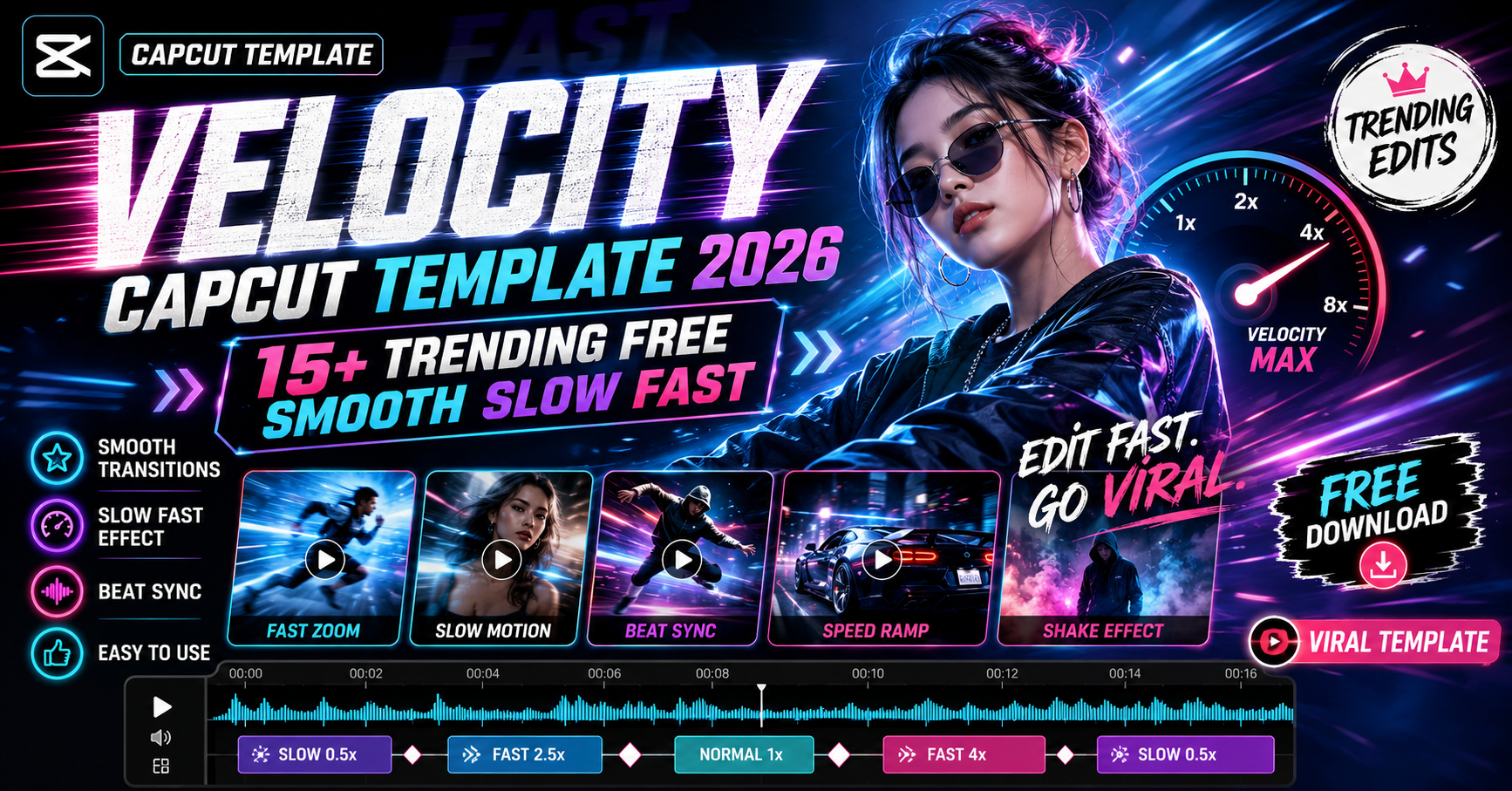
Each style serves a mood. Phonk is dark, aggressive, and beat driven. A velocity CapCut template is energetic with smooth speed ramps. A slow motion CapCut template is emotional and calm. Choose phonk when you want attitude and impact, and switch styles to match the song and the story you are telling.
Level Up With Motion Graphics
To make a phonk edit really stand out, add shake and glitch effects after the base cut. Import my Alight Motion shake preset XML for rhythmic motion synced to the bass. Keep effects sharp but not constant, because the best phonk edits hit hard on the drop and breathe in between. The full process is in my reel editing guide.
Mistakes to Avoid
Do not let clips run long, since phonk lives on fast cuts. Do not forget to sync the hardest cut to the beat drop, because that is the moment viewers feel. And always remove the watermark before posting, as a clean export performs better and looks professional.
How to Find Trending Phonk Sounds
The right sound decides how far a phonk edit travels. Look for phonk tracks that are climbing on the Reels and TikTok audio charts rather than ones that already peaked, because rising sounds get more reach. Save sounds you like as you scroll so you have a ready library when inspiration hits. Pay attention to which part of the track has the hardest drop, since that is the moment you will sync your strongest cut to. Using a fresh, rising phonk sound with a clean edit is one of the most reliable ways to land on the explore page.
Phonk Edit Ideas to Try
Once you have the template and a sound, the creative options are wide. Try a car or bike reveal where the engine shot lands on the drop. Film a confident walk toward the camera and let the beat punch on each step. Capture a gym lift and sync the lockout to the bass. Outfit transitions, gaming montages, and attitude portraits all suit phonk perfectly. For photo based phonk reels, generate sharp attitude portraits with my gym AI photo editing prompt and browse more styles in the CapCut template links hub.
Posting Phonk Edits for Maximum Reach
A hard edit still needs smart posting. Share phonk reels when your audience is most active, usually evenings, and open with your strongest visual in the first second so viewers stop scrolling. Write a short, bold caption and add three to five relevant hashtags rather than a long list. Reply to early comments quickly, because the first hour of engagement shapes how far the reel spreads. Use a striking cover frame from the hardest moment of the edit so it earns clicks from your profile grid. Consistent posting of clean, high energy phonk edits builds momentum, and momentum is what pushes a page onto the explore feed.
Frequently Asked Questions (FAQ)
What is a phonk CapCut template?
It is a ready made edit that syncs dark, bass heavy phonk music with fast cuts, glitch effects and beat dropped transitions. You just add your clips.
Is the phonk template free?
Yes. The template works in the free CapCut app, though some premium effects may need CapCut Pro.
What footage suits phonk edits?
Bold motion like car and bike reveals, gym lifts, outfit transitions and confident walking shots, ideally shot at 60fps.
How do I get the dark phonk look?
Push deep shadows and a cold tint. Apply a moody dark Lightroom preset or a dark CapCut filter before export.
Quick Recap for Hard Hitting Phonk Edits
For the strongest phonk edit, pick a rising sound, sync your hardest cut to the drop, keep clips short, apply a dark grade, and remove the watermark before posting. Add timed shake from my Alight Motion shake preset only on the drops, and let the rest breathe. Done right, a phonk edit feels powerful and professional rather than chaotic.
Final Thoughts
The phonk CapCut template is the fastest route to a hard hitting, attitude filled reel. Grab the template, sync to the beat, and pair it with a dark grade and shake effects from across Editing By Vikas. Browse more in the CapCut template links hub, updated every week.