Best Friend AI Photo Editing Prompt 2026 (10+ Free Copy Paste)

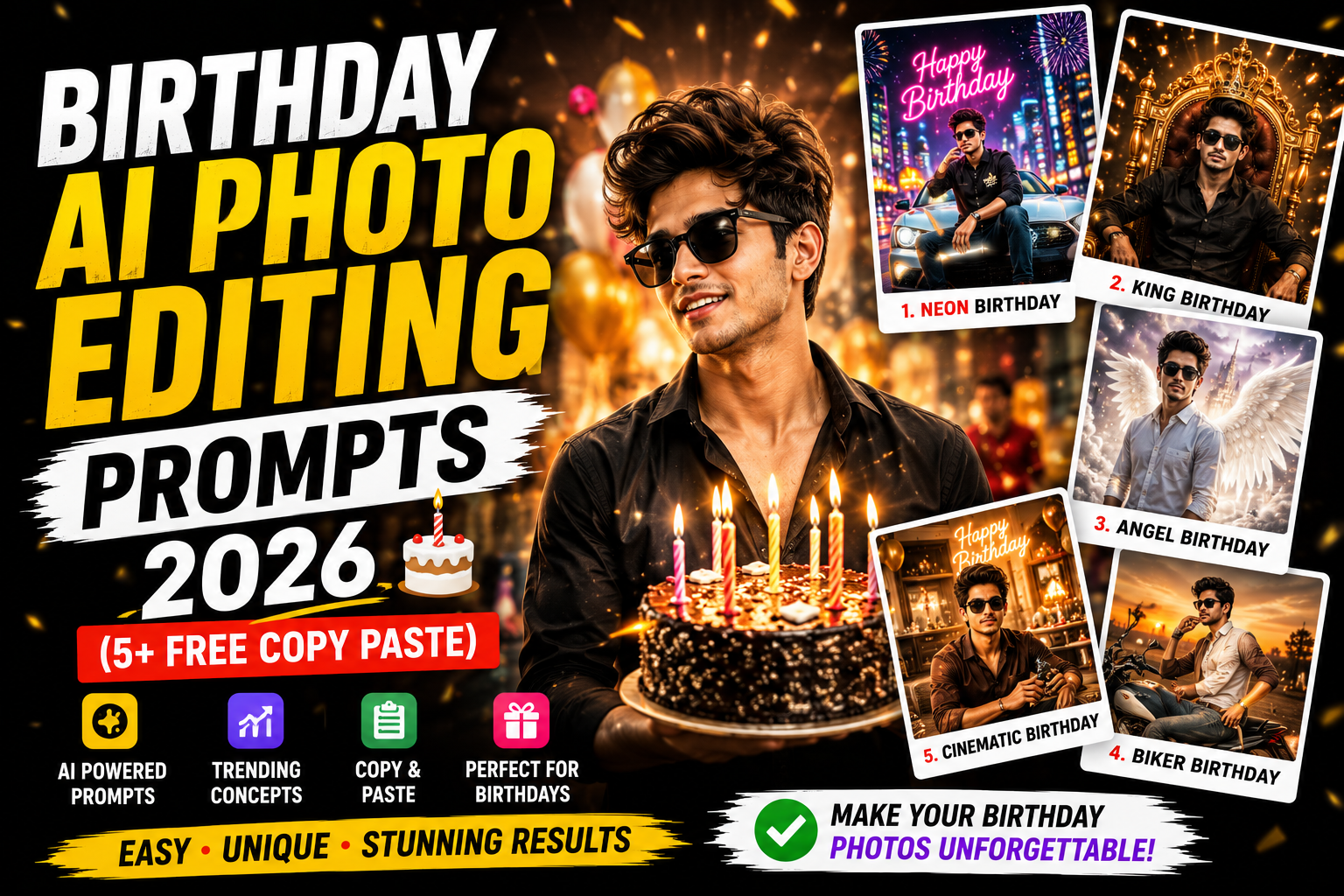
Friendships deserve to be celebrated, and these best friend AI photo editing prompts turn your photos together into warm, stylish, memorable portraits. Below are more than ten copy paste prompts in one tap copy boxes, designed to add beautiful lighting, fun backgrounds, and a joyful bond while keeping both faces natural and matched. Find more group and celebration styles in the birthday prompts.
What Is a Best Friend Photo Edit?
A best friend edit enhances a photo of you and your friends with flattering lighting, a clean or fun background, and a warm, joyful mood. The key is matched lighting across every face so the group looks naturally together. These prompts keep all faces natural while creating a polished, share worthy friendship portrait.
1. Classic BFF Portrait Prompt
A warm, joyful friendship portrait.
Classic BFF Portrait Prompt
Edit this photo into a warm best friend portrait. Keep all faces exactly the same and keep the lighting consistent across everyone. Add soft flattering light, a clean softly blurred background, warm joyful tones, a happy bond, and natural skin. Premium finish, ultra sharp 4K.
2. Aesthetic Squad Prompt
A trendy, aesthetic friend group look.
Aesthetic Squad Prompt
Edit this photo into an aesthetic squad portrait. Keep all faces the same and the lighting consistent. Add soft trendy tones, a clean minimal background, gentle even light, a fun relaxed mood, and natural skin. Premium aesthetic finish, high resolution.
3. Sunset Friends Prompt
A golden hour friendship glow.
Sunset Friends Prompt
Edit this photo into a golden hour best friend portrait. Keep all faces the same and the lighting matched. Add warm sunset light, a soft glowing sky, gentle rim light, warm tones, a joyful bond, and natural skin. Dreamy serene finish, ultra sharp 4K.
4. Cafe Hangout Prompt
A cosy cafe friendship moment.
Cafe Hangout Prompt
Edit this photo into a cosy cafe best friend portrait. Keep all faces the same and the lighting consistent. Add a warm blurred cafe background, soft ambient light, gentle bokeh, a relaxed happy mood, and natural skin. Premium aesthetic finish, high resolution.
5. Travel Adventure Prompt
Friends exploring together.
Travel Adventure Prompt
Edit this photo into a travel best friend portrait. Keep all faces the same and the lighting matched. Add a scenic travel background softly blurred, warm natural light, an adventurous joyful mood, and natural skin. High resolution, cinematic depth.
6. Cinematic Friendship Prompt
A premium film style friendship portrait.
Cinematic Friendship Prompt
Edit this photo into a cinematic best friend portrait. Keep all faces the same and the lighting consistent. Add soft warm light, a gently blurred background, a subtle film grade, a warm joyful bond, and realistic skin. Movie like premium finish, ultra sharp 4K.
7. Fun Candid Prompt
A lively, laughing candid moment.
Fun Candid Prompt
Edit this photo into a fun candid best friend portrait. Keep all faces the same and the lighting matched. Add bright cheerful light, a lively background, energetic warm tones, a laughing joyful mood, and natural skin. High resolution, premium finish.
8. Black and White Bond Prompt
A timeless monochrome friendship portrait.
Black and White Bond Prompt
Edit this photo into a timeless black and white best friend portrait. Keep all faces the same and the lighting consistent. Add soft dramatic lighting, gentle contrast, fine grain, a warm emotional bond, and natural skin texture. Premium timeless finish, ultra sharp 4K.
9. Festive Friends Prompt
A celebratory festive friend group.
Festive Friends Prompt
Edit this photo into a festive best friend portrait. Keep all faces the same and the lighting matched. Add warm festive lights and soft bokeh, a joyful celebration mood, warm tones, and natural skin. Premium finish, high resolution.
10. Rainy Day Friends Prompt
A cosy rainy day friendship moment.
Rainy Day Friends Prompt
Edit this photo into a cosy rainy day best friend portrait. Keep all faces the same and the lighting consistent. Add gentle rain, warm cosy light, a soft blurred background, a happy bond, and natural skin. Cinematic cosy finish, high resolution.
11. Matching Vibe Studio Prompt
A clean studio portrait of the group.
Matching Vibe Studio Prompt
Edit this photo into a clean studio best friend portrait. Keep all faces the same and the lighting matched. Add soft even studio lighting, a clean neutral backdrop, balanced tones, a warm joyful mood, and natural skin. Premium finish, ultra sharp 4K.
How to Use These Prompts Step by Step
- Open Google Gemini and start image editing mode.
- Upload a clear, well lit photo with a simple background.
- Tap Copy on the prompt box you want and paste it into the chat.
- Attach your photo in the same message and send.
- If the result is close but not perfect, add one short instruction such as keep the face exactly the same.
- Download the final image and use it for your post or reel.
Tips for the Best Results
The secret to a great group edit is matched lighting, so always include keep the lighting consistent across everyone, or some faces look pasted in. Keep all faces with keep all faces exactly the same. A genuine, joyful moment carries the friendship feeling. For festive friend looks, the festival AI prompts pair well, and the studio background editing suits clean group shots.
Customising These Prompts
These prompts adapt to any vibe. Switch between cafe, travel, sunset, and studio settings, and adjust from candid fun to aesthetic calm. For larger groups, the matched lighting instruction is especially important. A follow up such as match the lighting on all faces refines the result. Browse more in the AI photo editing prompts hub.
Why Matched Lighting Matters in Group Edits
The most common problem with group photos is uneven lighting, where one friend is bright and another is in shadow, which makes an edit look fake. Asking the AI to keep the lighting consistent across everyone solves this, blending the group into one naturally lit scene. This single instruction is the difference between a believable friendship portrait and an obviously edited one, so never skip it when editing photos with more than one person.
Creating Friendship Memory Series
Best friend edits make wonderful keepsakes and gifts. Create a small series in a consistent style, a cafe moment, a sunset shot, and a candid laugh, so they feel like a cohesive collection of your bond. These work beautifully as a friendship reel for a birthday or friendship day, and they make heartfelt gifts. Keeping the style consistent across the set makes the whole collection feel intentional and special.
Turn Your Edit Into a Reel
Friendship portraits make joyful reels. Sequence a few looks with a fun or warm track using a slow motion CapCut template for an emotional reveal or a phonk CapCut template for energy, then grade with a warm cinematic Lightroom preset. For more on trending video edits, see my trending AI video editing guide, and find more styles in the AI photo editing prompts hub.
Common Mistakes to Avoid
Do not skip the matched lighting instruction, since it is the key to a natural group edit. Do not clutter the background. Do not over smooth the skin. And always keep all faces locked so the portrait clearly looks like your group.
Frequently Asked Questions (FAQ)
Are these best friend prompts free?
Yes. Copy any prompt here for free and use it in Gemini or ChatGPT, which may limit daily free generations.
How do I make a group photo look natural?
Always include keep the lighting consistent across everyone, which blends all faces into one naturally lit scene.
Can I use these for a friendship day post?
Yes. These prompts are perfect for friendship day, birthdays, and reunion posts, especially as a memory series.
Which prompt suits a fun feel?
The fun candid prompt captures a lively, laughing, joyful friendship moment.
Which tool is best?
Both Gemini and ChatGPT work well. Gemini keeps multiple faces consistent, which helps with group photos.
Posing Ideas for Great Group Friend Photos
A natural, fun pose makes a friendship photo feel real, so let your group be themselves rather than stiffly posed. Candid moments, laughing together, leaning in, or walking side by side, capture the bond far better than a rigid line up. For a cleaner look, arrange the group at slightly different heights so everyone is visible, and stand close together so the warmth of the friendship shows. Coordinate outfits loosely, similar tones or a shared vibe, so the group looks intentional without being matchy. Shoot in good, even light so no one is half in shadow, which also makes the AI edit cleaner. The single most important step when editing a group photo is to include keep the lighting consistent across everyone, since matched lighting is what blends the group into one natural scene rather than a pasted together image. The prompts on this page handle the lighting and background, but a genuine, happy moment in your source photo is what truly carries the friendship feeling. Create a small series, a candid laugh, a sunset shot, a cafe moment, for a cohesive set that works beautifully as a friendship day or reunion reel. For festive group looks to add variety, the festival AI prompts pair perfectly with these friendship portraits.
Final Thoughts
These best friend AI photo editing prompts turn your photos together into warm, memorable portraits in one tap. Save this page, try all the prompts, and create a friendship memory series to treasure. For more styles, explore the wider AI photo editing prompts library at Editing By Vikas.